Debug everything.
Ship nothing.
The all-in-one Android debugging toolkit with 23 features, zero release build risk, and no desktop app required.
See it in action
One toolkit. Every debug tool you need.
Replace multiple debug libraries with one. Explore by category.
HTTP/HTTPS Inspector
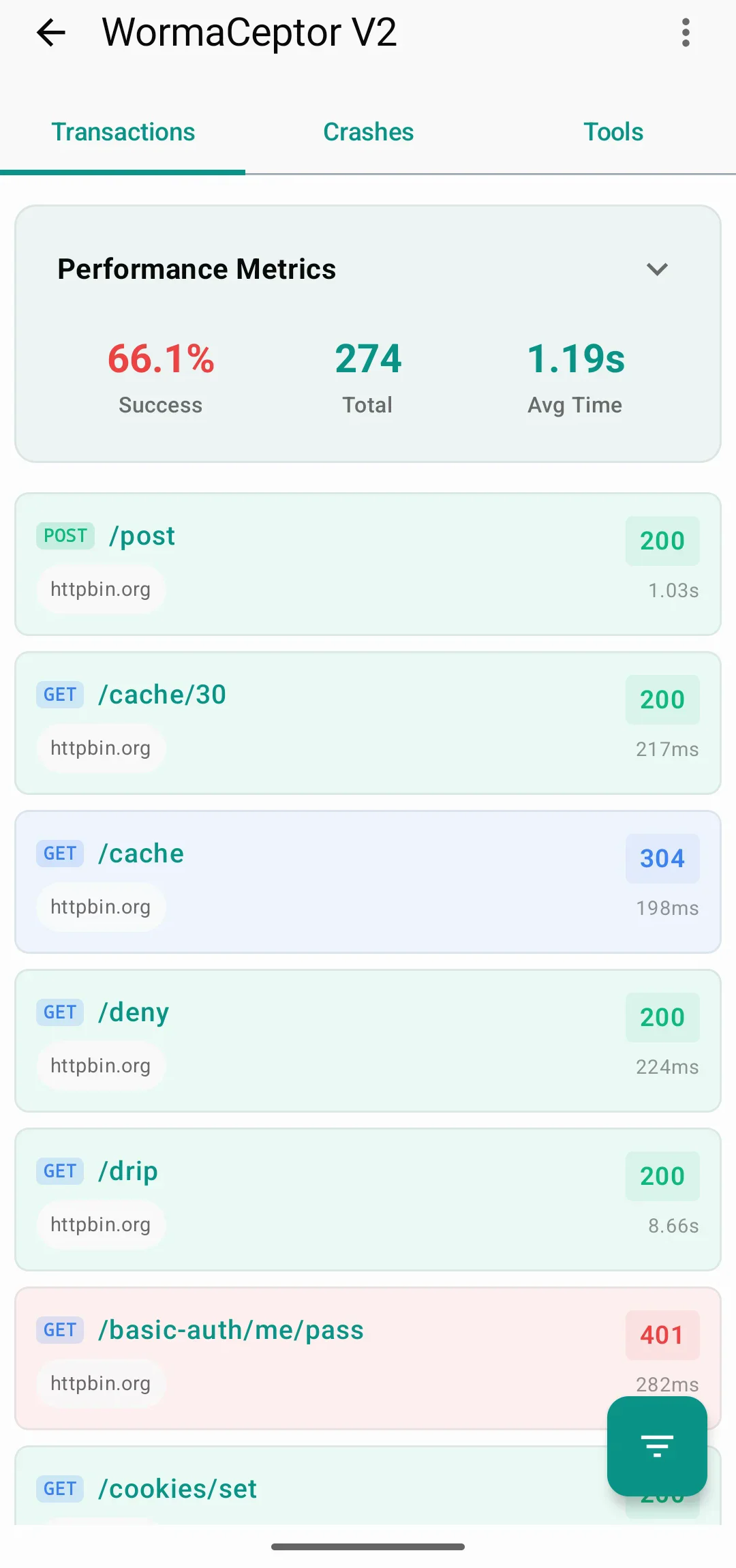
Full request/response capture with headers, body, timing, and TLS info. Syntax-highlighted JSON/XML.
OkHttp + Ktor
Native interceptor for OkHttp and a Ktor client plugin. Both with the same feature set.
cURL & JSON Export
Export any captured request as cURL or JSON to share with your backend team.
Physically impossible to ship debug code.
Other tools rely on ProGuard rules or runtime flags. WormaCeptor uses Gradle’s debugImplementation — the code literally does not exist in your release APK.
Debug APK
Full powerRelease APK
~8KBThe code doesn’t exist in release. Not disabled. Not hidden. Gone.
Three steps to full debugging.
Add the dependency. Init. Intercept. That’s it.
Add dependencies
dependencies {
    implementation("com.azikar24.wormaceptor:wormaceptor-client:2.3.1")
    debugImplementation("com.azikar24.wormaceptor:wormaceptor-persistence:2.3.1")
}Initialize
class MyApp : Application() {
    override fun onCreate() {
        super.onCreate()
        WormaCeptorApi.init(this)
    }
}Add interceptor
val client = OkHttpClient.Builder()
    .addInterceptor(WormaCeptorInterceptor())
.build()val client = HttpClient(CIO) {
install(WormaCeptorKtorPlugin)
}How WormaCeptor compares.
WormaCeptor extends beyond network inspection. Chucker is excellent at HTTP traffic — WormaCeptor covers the rest.
| Feature | Chucker | WormaCeptor |
|---|---|---|
| Network Inspection | HTTP only | HTTP + WebSocket + WebView |
| HTTP Client Support | OkHttp | OkHttp + Ktor (native) |
| Release Safety | ProGuard no-op | Physical debugImplementation |
| Performance Monitor | — | FPS + Memory + CPU overlay |
| SQLite Browser | — | Built-in with query execution |
| SharedPreferences | — | Built-in viewer & editor |
| Leak Detection | — | Built-in (Activities/Fragments) |
| Crash Reporting | — | Integrated with stack traces |
| Push Simulator | — | Simulated notifications with FCM-like payloads |
| Location Mocking | — | Mock location via Android provider API |
| Deep Links | — | wormaceptor:// to every tool |
| Feature Toggles | — | 22 toggleable features |
| Tech Stack | Partial Kotlin / XML Views | 100% Kotlin + Jetpack Compose |
Built for real debugging workflows.
Real scenarios Android developers face every day.
“Why is this API call slow?”
- Open WormaCeptor via shake, floating button, or deep link
- Filter transactions by endpoint
- See timing breakdown, headers, and full response
- Export as cURL and share with backend
“The app is janking during scroll.”
- Enable the performance overlay
- Watch FPS drop in real time on screen
- Cross-reference with memory and CPU usage
- Check thread violations for main-thread work
“QA found a crash on this device.”
- Open the Crashes tab on QA’s device
- See the full stack trace with line numbers
- Check network transactions around that time
- Review console logs for context leading up to it
“How does this behave on slow network?”
- Open the Rate Limiter and pick a 3G preset
- Use the app and watch requests throttle in real time
- Simulate a push notification to test offline handling
- Mock a GPS location to verify location-aware features
Frequently asked questions
One dependency. 23 tools. Zero risk.
Replace your debug stack.
Stop juggling multiple debug libraries and custom menus. One dependency covers everything.
MIT Licensed · API 23+ · 100% Kotlin